

Interactive Projection Mapping – Sensors, Motion Tracking and Real-Time Visuals
Interactive Projection Mapping – Sensors, Motion Tracking and Real-Time Visuals
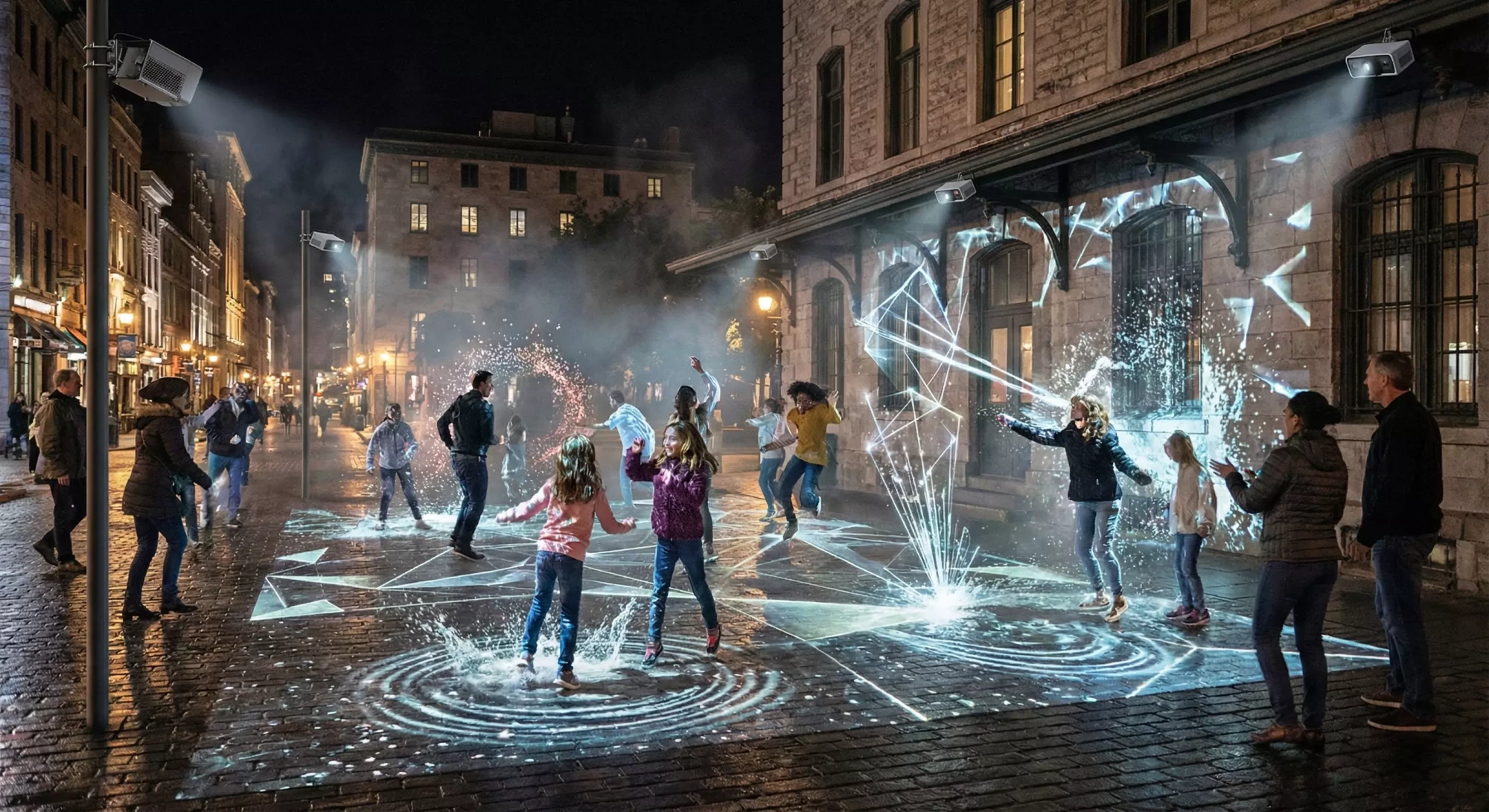
Interactive projection mapping transforms passive viewers into active participants. With sensors, depth cameras and real-time rendering engines, cities and brands can create public spaces where light reacts to movement, gesture, audio and group behavior. These installations encourage exploration, replay value and social sharing, making them ideal for tourism, festivals and experiential marketing.
This guide explains the hardware, software and creative strategies behind interactive projection mapping.
How Interactivity Works
Interactive projection mapping typically uses one or more of the following technologies:
- Depth cameras to detect bodies, gestures and movement
- LiDAR or radar sensors for wide-area positioning
- Infrared break beams for activation zones
- Microphones for audio-reactive visuals
- Pressure sensors for ground triggers
- Real-time engines (Unreal, TouchDesigner, Notch, Unity)
When a visitor interacts with the mapped area, the system updates visuals instantly using pre-made behaviors or fully real-time graphics.
Best Use Cases for Interactive Mapping
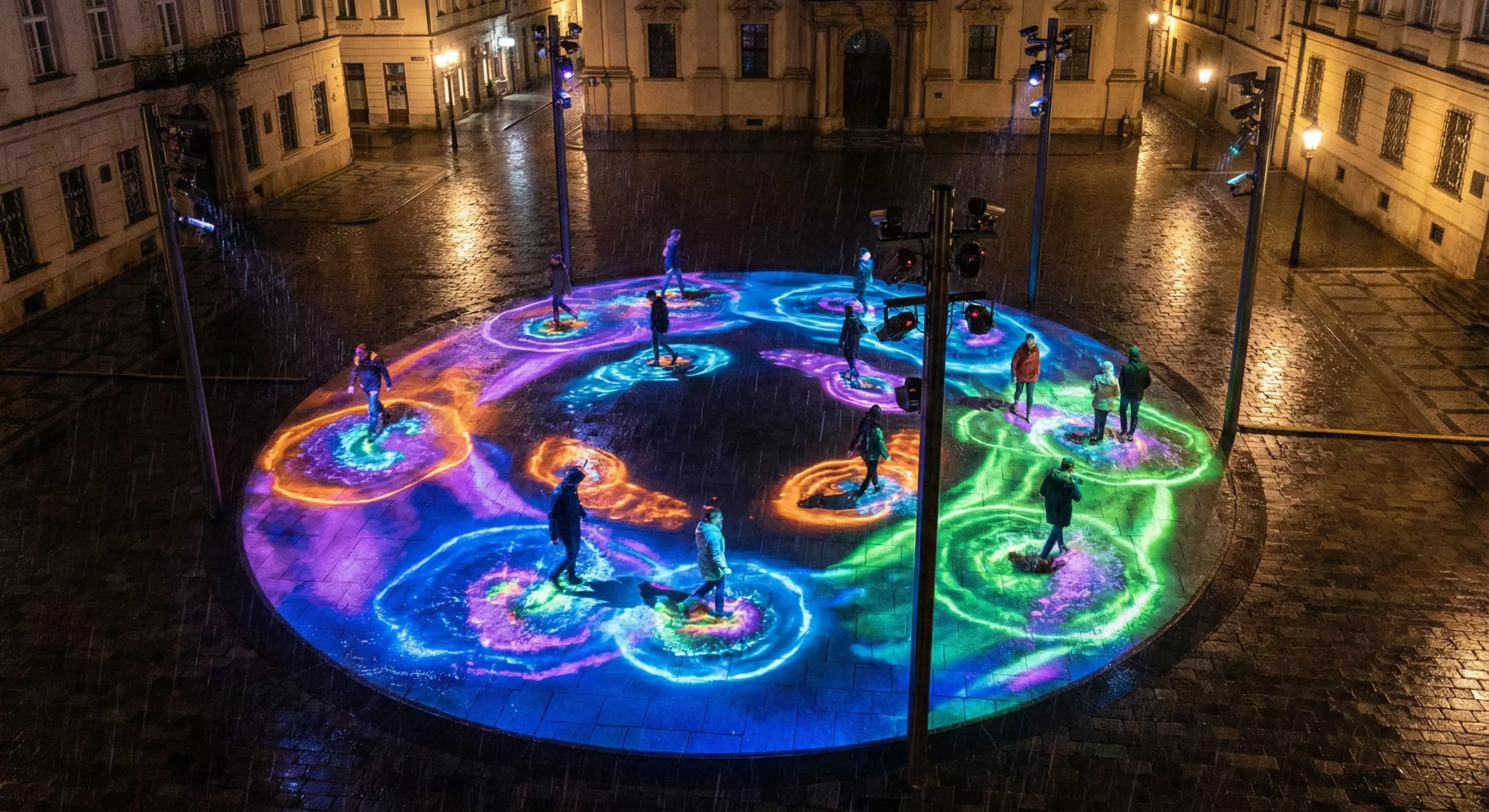
- Tourism activations where visitors explore plazas or waterfronts
- Festivals needing high-engagement art installations
- Museum experiences where learning is enhanced by interaction
- Brand activations offering “shareable moments”
Types of Interactivity
1. Footstep-Triggered Effects
Ripples, sparks, waves, leaves or particles that react to walking or running.
2. Gesture-Based Control
People can “paint” light on walls or sculptures with hand motions.
3. Group-Based Effects
Visuals change depending on the number of people in an area.
4. Audio-Reactive Scenes
Visuals pulse according to city ambience, festival music or spoken word.
Technical Requirements
- Short-throw projectors for tight spaces
- Mounting positions with clear overhead views
- Weatherproof housings for sensors and projectors
- Calibration procedures for sensor alignment
- Real-time processing hardware
Learn more about hardware protection here: projection enclosures.
Next Steps
To explore interactive projection mapping, send photos of your space through our contact page. We can recommend sensor layouts and content options based on your goals.
Interactivity makes projection mapping unforgettable—and encourages visitors to stay longer and return more often.