Multi-Projector Setups – Blending, Stitching and Large-Scale Coverage
Multi-Projector Setups – Blending, Stitching and Large-Scale Coverage
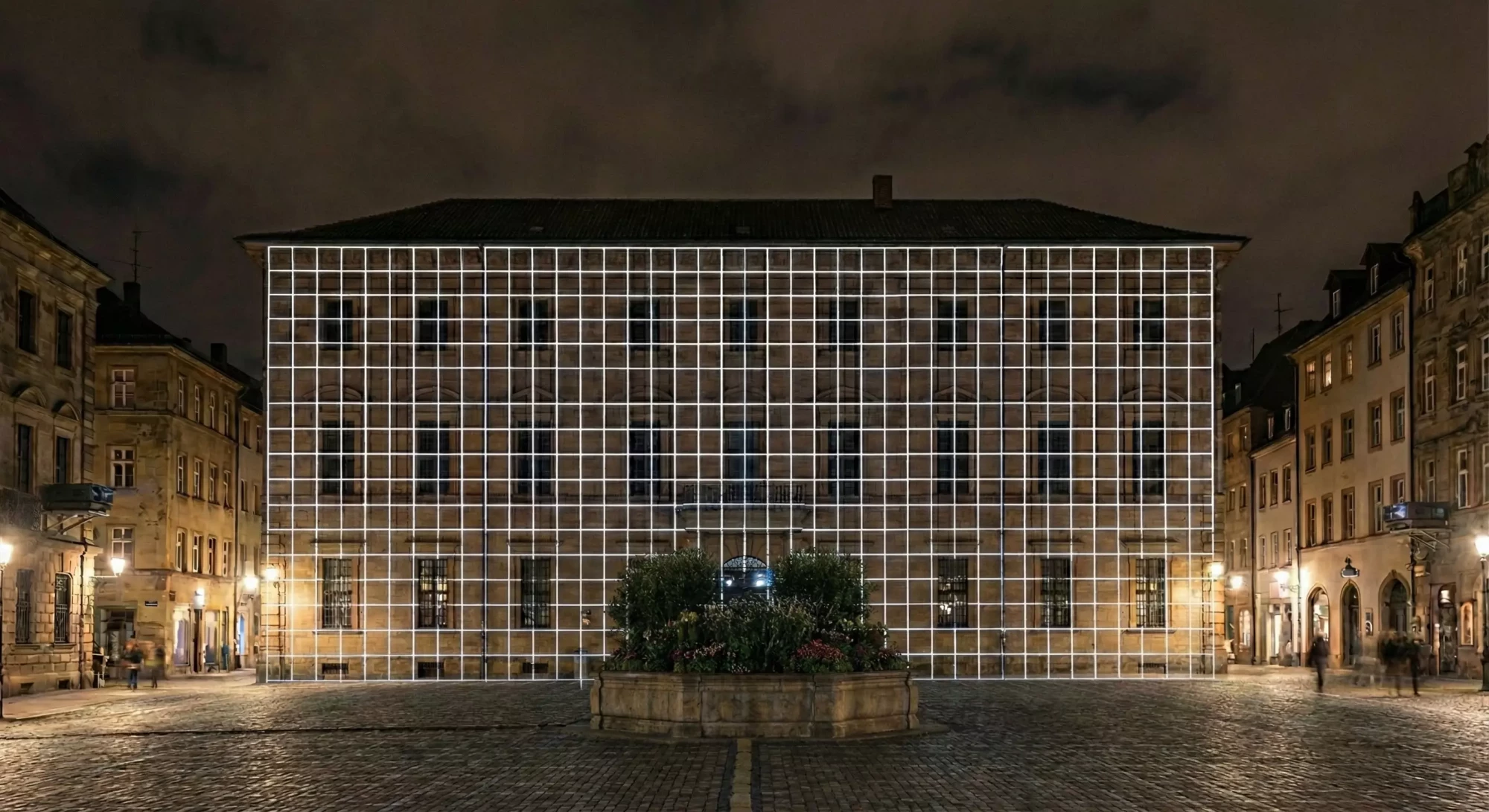
Large buildings, wide stages and complex architecture often require more than one projector. Multi-projector setups allow teams to blend, stitch and synchronize multiple images into a seamless large-scale canvas. This is how landmark-sized projection mapping shows are created.
Why Use Multiple Projectors?
Multi-projector setups allow you to:
- Increase total brightness on large surfaces
- Cover wide façades that exceed a single projector’s image size
- Improve clarity by distributing resolution across the surface
- Wrap deep geometry with multiple angles
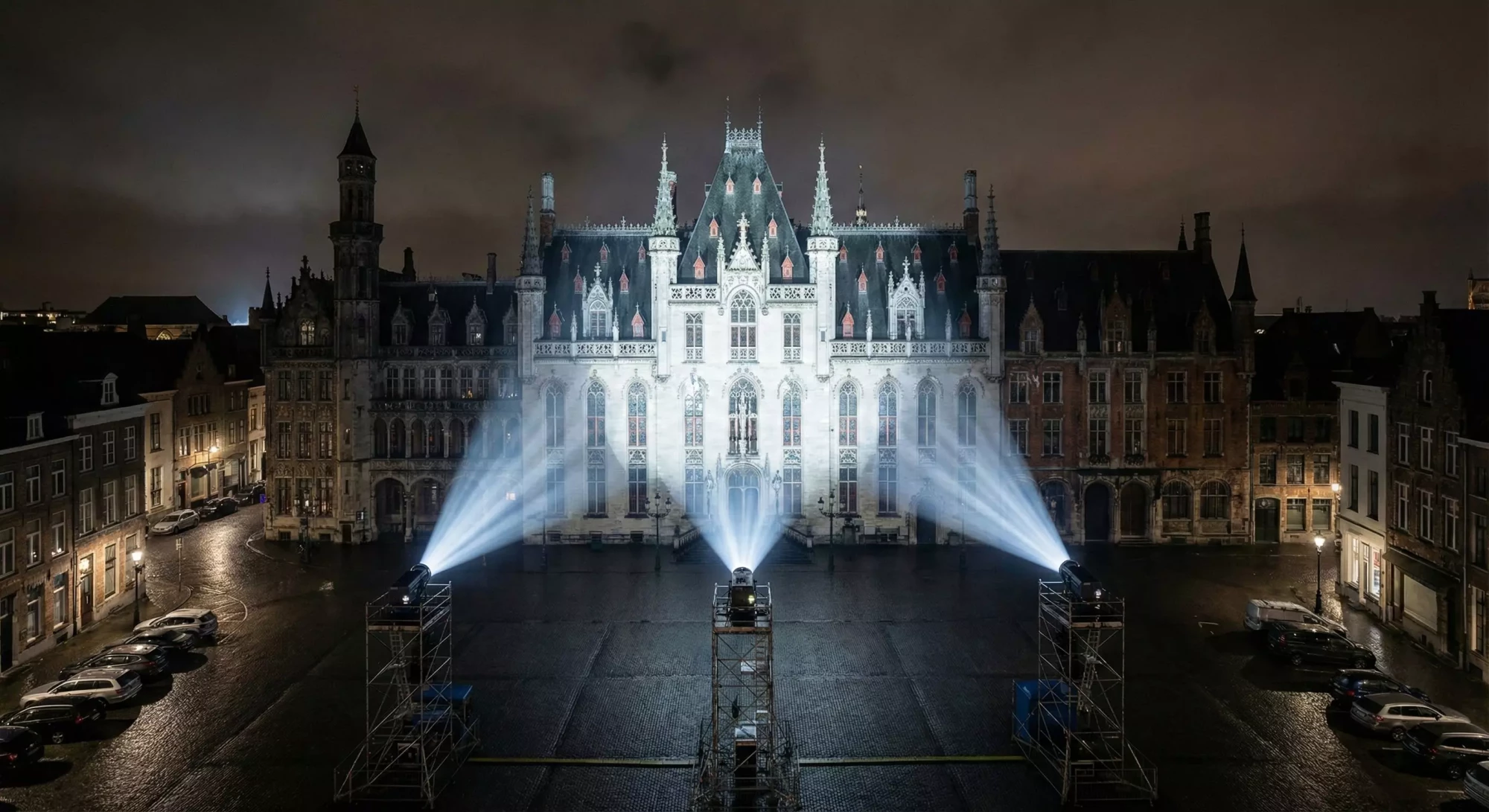
Blending vs Stitching
There are two main approaches:
1. Edge Blending
Projectors overlap slightly, and software smooths the transition to create a unified image.
2. Pixel Stitching
Each projector covers a unique region, stitched edge-to-edge.
Blending is used for brightness; stitching is used for ultra-wide canvases.
Technical Requirements
- Identical or color-matched projectors
- Stable mounting positions
- Wide overlap zones for clean blends
- Software capable of warping and masking
- Networked playback system with synced timing
Best Uses for Multi-Projector Systems
- City hall and landmark shows
- Festivals with large scenic structures
- Corporate events using wide stages
- Tourism activations
Next Steps
If you’re planning a large-scale mapped surface, send photos through our contact page. We’ll help determine whether blending, stitching or a combination is ideal for your venue.
Multi-projector setups create jaw-dropping, large-scale projection canvases that simply aren’t possible with single projectors.